
Built for Schools & institutions
School construction management for classrooms, hostels and campus projects
StruconIQ gives schools, colleges, churches, hospitals and other institutions a clear way to handle school construction management: the budget, materials, deliveries and payments on their own building projects. Whether the board has appointed a contractor or is putting up a dormitory with local fundis, the bursar and the projects committee can see what has been committed, delivered and paid on each project.
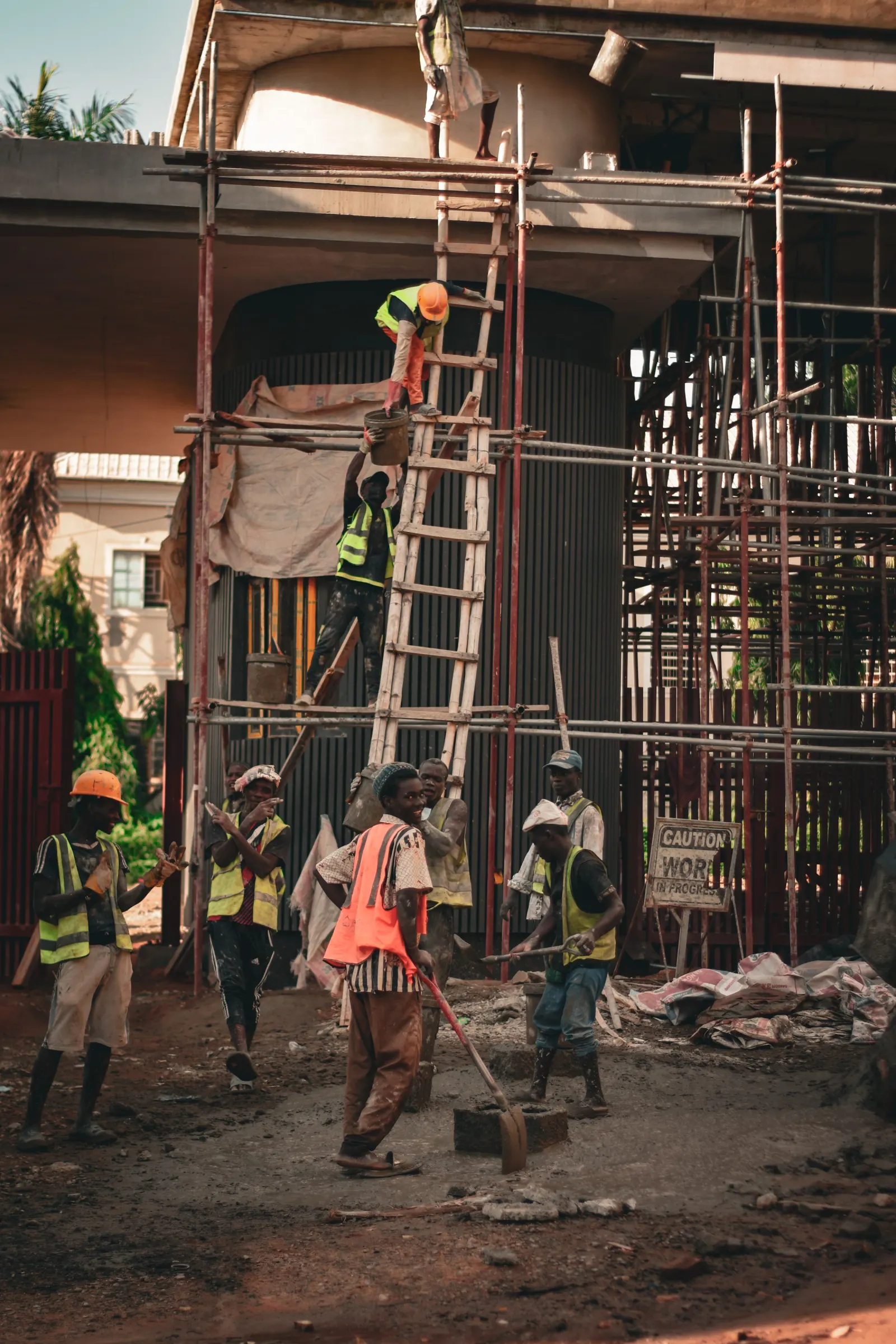
You are the client, not the contractor
Most institutions are the owner of a building project rather than the builder. The board raises money from fees, a sponsor, a development fund or a harambee, appoints a contractor or engages fundis directly, and then has to account for every shilling to parents, the sponsor or the church. StruconIQ was built for contractors, but its structure fits an owner well: the institution sets up its campus as a site and each building as a project with its own budget.
One project for each building
A classroom block, a laboratory, a dining hall or a perimeter wall each becomes a project with a budget, start and end dates and a completion percentage. When the supervisor reports progress, the change goes through a request that the committee approves, rejects or asks to clarify, so the figure on the report is one the institution has agreed. See sites and projects.
When the institution buys the materials
Many schools buy cement, iron sheets and steel themselves to control quality and price. Each purchase starts as a material requisition that needs approval, then becomes an LPO to the supplier. When the goods arrive, the receipt is logged with the delivery note and photos, and anything short or wrong is disputed with a written reason. See site deliveries.
Paying the contractor and the suppliers
Supplier invoices are raised only from verified deliveries. A contractor's invoice for works can be recorded as a project expense invoice and paid in parts, with the method and reference for every payment. The ageing view shows who has waited longest, and a supplier statement can be printed or emailed. See suppliers and payments.
Projects built with direct labour
Where the institution employs fundis and casuals itself, the site roll-call records who worked each day and weekly casual pay is worked out from it, with M-Pesa references recorded against each payment.
Reports for the board
The project progress report shows budget, spend, variance and whether a project is over budget, as a PDF ready for a board or sponsor meeting. Roles keep duties apart: the bursar can work as project accountant, a clerk of works as site supervisor and the principal as owner. See budget vs actual reports.
Features
What schools & institutions use most
-
 Projects
Sites & projects
StruconIQ is a construction project management system for Kenya that organises work the way contractors do: clients, the sites they own and the projects on each site. Every project carries its budget, start and end dates, completion % and status, with supervisors assigned, so you can see what is running, what is stuck and what is over budget without driving to site.
-
 Requisitions
Material requisitions
StruconIQ is a material requisition system for construction sites. A supervisor raises a requisition for one line on the project's material plan, the office approves it, rejects it or asks for an amendment, and the request moves on to an LPO, delivery, verification and payment. At every step you know who asked, who approved and what it will cost.
-
 Deliveries
Site deliveries
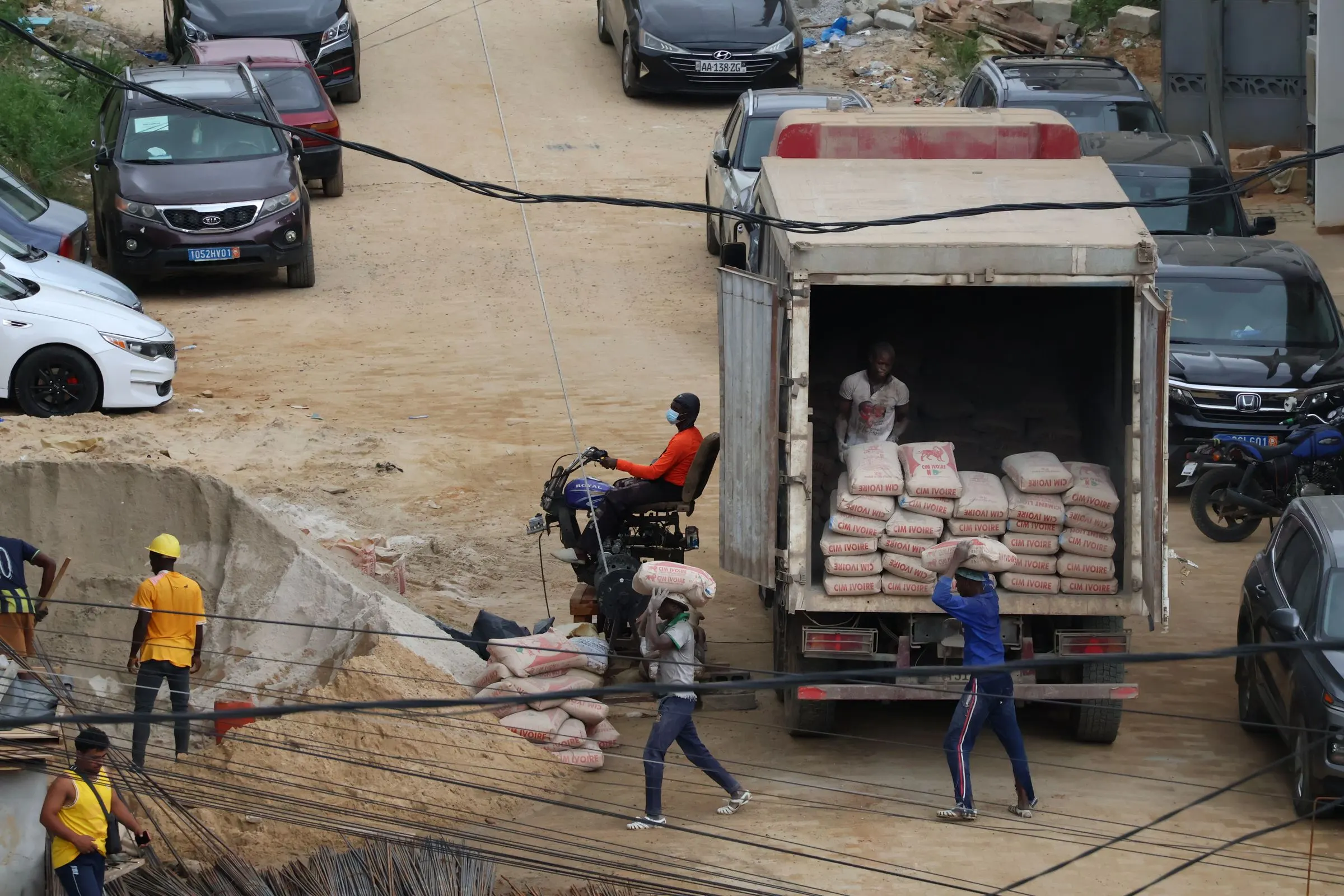
StruconIQ records construction site deliveries against the requisition they belong to. The site logs each receipt with the supplier's delivery note attached, as a PDF or a photo, plus extra photos taken on the phone camera. Partial deliveries, extra quantity and disputes each have their own step, so you only pay for material that actually arrived and was accepted.
-
 Suppliers
 & payments
StruconIQ handles construction supplier payments from a single register. Supplier invoices are raised only from verified deliveries, billing the accepted quantity, plus invoices for other project costs such as equipment hire and transport. Record full or partial payments by bank transfer, M-Pesa, cheque or cash, and see every balance, overdue invoice and ageing bucket at a glance.
-
 Reports
Budget vs actual reports
StruconIQ gives you budget vs actual construction reports built from what really happened on site. Because requisitions, deliveries, supplier invoices, payments and client invoices are all recorded against the project, the reports show budget, spend, variance, revenue, gross profit and margin % without anyone building a spreadsheet. Download any report as a PDF.
-
 Control
Dashboard & permissions
The StruconIQ construction management dashboard shows the whole business on one screen: total sites, active projects and how many are over budget, total value, paid and outstanding, and average completion. Behind it, built-in roles and a permission matrix decide who can see and approve what, from the owner to the project clerk, with overrides for individual users.
Questions
Questions from schools & institutions
We are a school, not a contractor. Can we still use StruconIQ?
Yes. Set up your campus as a site and each building as a project. You track the budget, the materials you buy, deliveries and what you pay the contractor and suppliers.
Can the board read the figures without learning the system?
Yes. Progress, costing and payment reports come out as PDFs, so the bursar can print them or email them before a board meeting.
Can we run our teachers' payroll in StruconIQ?
It is not designed for that. StruconIQ has payroll for construction teams but does not calculate PAYE, NSSF, SHIF or the Housing Levy, so keep your existing payroll for teaching and support staff.
Free demo
See how your institution could track its building projects
Book a demo with the bursar or projects committee and we will set up one of your buildings as an example.