
Deliveries
Construction site deliveries recorded with the delivery note and photos
StruconIQ records construction site deliveries against the requisition they belong to. The site logs each receipt with the supplier's delivery note attached, as a PDF or a photo, plus extra photos taken on the phone camera. Partial deliveries, extra quantity and disputes each have their own step, so you only pay for material that actually arrived and was accepted.
Available on Starter, Growth and Enterprise · see pricing

The problem
What goes wrong without it
On many sites a lorry drops material, someone signs a delivery note, and the paper ends up in a pocket or on the dashboard of a pickup. Short deliveries are only noticed when the invoice arrives. Extra material appears on the bill with no one to say it was asked for, and supplier and contractor argue over figures nobody can prove.
How StruconIQ handles it
Log the receipt on site, from a phone
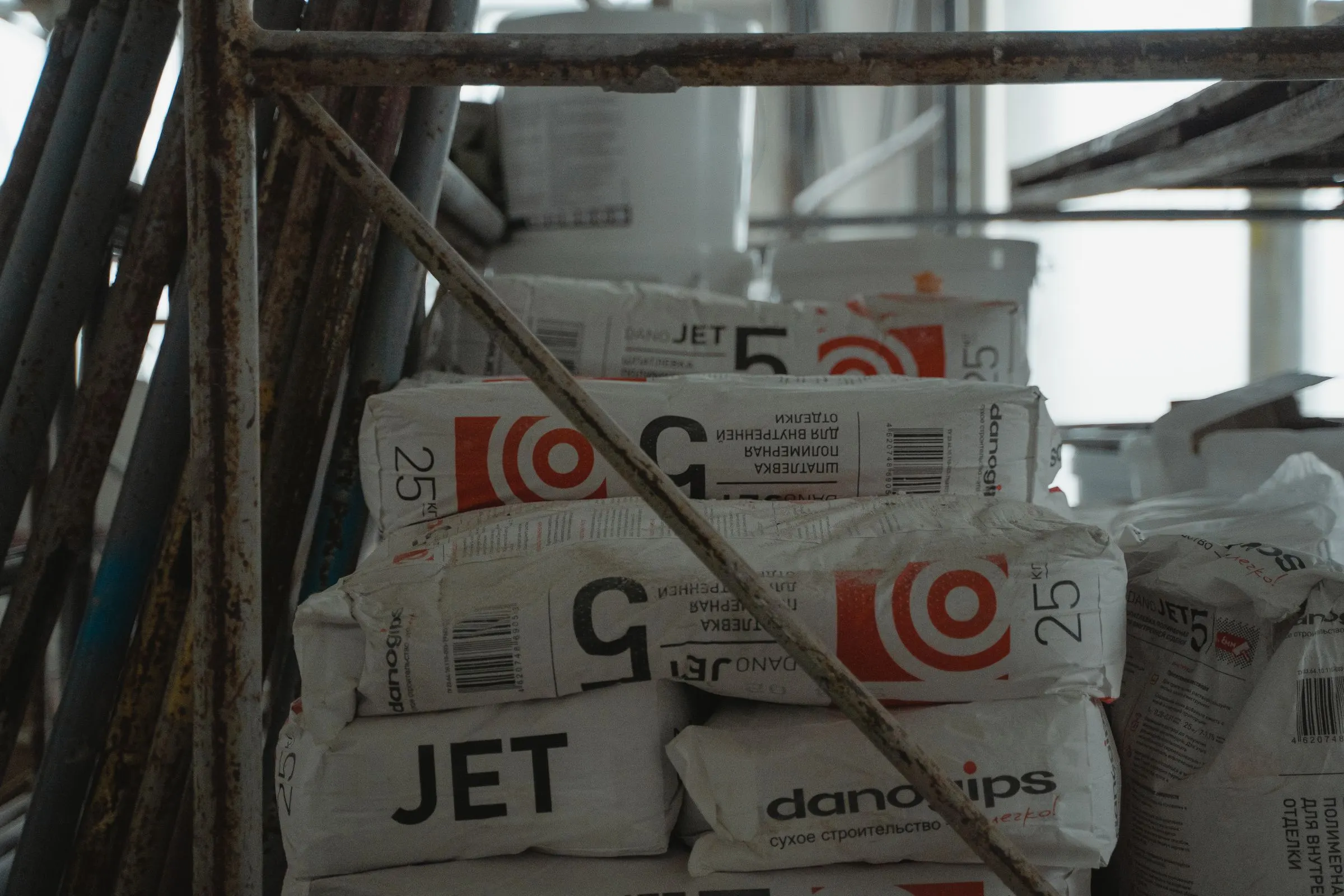
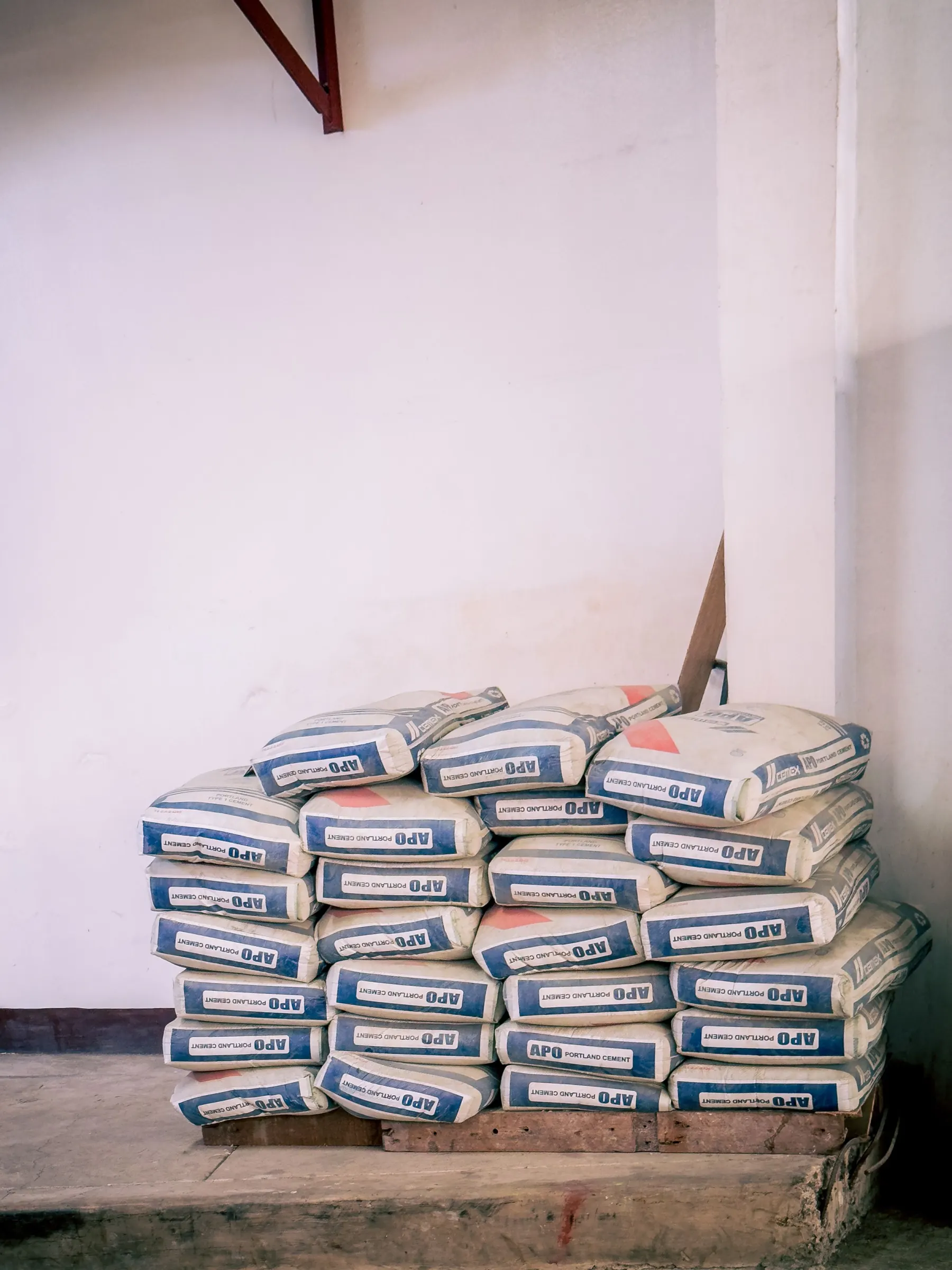
When material arrives, the supervisor opens the requisition on their phone and logs a receipt for the quantity received. The supplier's delivery note must be attached, either as a PDF or as a photo. They can add more photos straight from the phone camera: the lorry, the stack of blocks, the damaged bags. Duplicate submissions are blocked, so a weak network and a second tap do not record the same delivery twice.
Partial deliveries are normal
Suppliers often deliver in loads. Each receipt is recorded on its own, and the requisition shows partially received until the full quantity is in. The project's material plan takes its delivered figure from accepted receipts, so the balance is always real.
Extra quantity is held as surplus
If a delivery is more than the balance outstanding on the requisition, the extra is not quietly accepted. It is held as surplus, and the person logging it must write an explanation. Someone with approval rights then decides: approve all or part of the surplus as payable, approve it at no charge, or reject it. A supplier cannot add material to your bill without a decision from the office.
Verified or disputed
Every receipt is then verified or disputed. Verifying it confirms the quantity and condition. Disputing it needs a written reason, such as a short count, the wrong grade or broken pieces, which stays on the record for the conversation with the supplier. Only a verified delivery can be billed, and the supplier invoice covers only the accepted, payable quantity. See suppliers and payments.
The office hears about it
Users get an in-app notification, and an email, when a delivery is logged and when it is approved. The accountant knows what is coming before the invoice does, and the project manager can check a disputed load the same day.
Evidence when you need it
The delivery note, the site photos and the written reasons sit together on the receipt. When a supplier statement does not match your records, you have the evidence to settle it. Our guide to partial deliveries and supplier disputes covers the practical side.
Who it helps
Any contractor taking deliveries at sites the owner cannot visit every day: building contractors, civil and road contractors receiving many loads of aggregate a week, and fit-out and finishing contractors receiving tiles, boards and fittings in batches.
Key capabilities
What you can do with Site deliveries
-
Delivery note required
Attach the supplier note as a PDF or a photo.
-
Photos from the phone camera
Extra site photos added straight to the receipt.
-
Partial deliveries
Each load recorded; the balance stays accurate.
-
Surplus with a reason
Approved as payable, no charge, or rejected.
-
Verify or dispute
A dispute needs a written reason.
-
Duplicates blocked
The same delivery cannot be logged twice.
-
Email notifications
When a delivery is logged and when it is approved.
Related features
Works well with
-
 Requisitions
Material requisitions
StruconIQ is a material requisition system for construction sites. A supervisor raises a requisition for one line on the project's material plan, the office approves it, rejects it or asks for an amendment, and the request moves on to an LPO, delivery, verification and payment. At every step you know who asked, who approved and what it will cost.
-
 Suppliers
 & payments
StruconIQ handles construction supplier payments from a single register. Supplier invoices are raised only from verified deliveries, billing the accepted quantity, plus invoices for other project costs such as equipment hire and transport. Record full or partial payments by bank transfer, M-Pesa, cheque or cash, and see every balance, overdue invoice and ageing bucket at a glance.
-
 Planning
Material planning
StruconIQ is a site material tracking system that starts with the quantities you priced. Each project has a material plan listing the planned quantity for every material line, from cement and ballast to steel and roofing sheets. Against each line you see what has been requisitioned, ordered on an LPO, delivered and accepted, and the balance still left to requisition.
Who uses site deliveries
Free demo
See site deliveries on a site like yours
A short walkthrough of a project budget, a requisition, a delivery and a casual roll-call, on a call or at your office. Book online, call or WhatsApp us and we will set a time that suits you.