
Features
Construction management features for every part of the job
Every StruconIQ construction management feature, from the project budget and material plan to deliveries, supplier payments, casual pay, client billing and reports, in one login.
Modules
Everything a contractor needs to control a site
Each feature has its own page with the details that matter on site. Every plan includes all of them.
-
 Projects
Sites & projects
StruconIQ is a construction project management system for Kenya that organises work the way contractors do: clients, the sites they own and the projects on each site. Every project carries its budget, start and end dates, completion % and status, with supervisors assigned, so you can see what is running, what is stuck and what is over budget without driving to site.
-
 Planning
Material planning
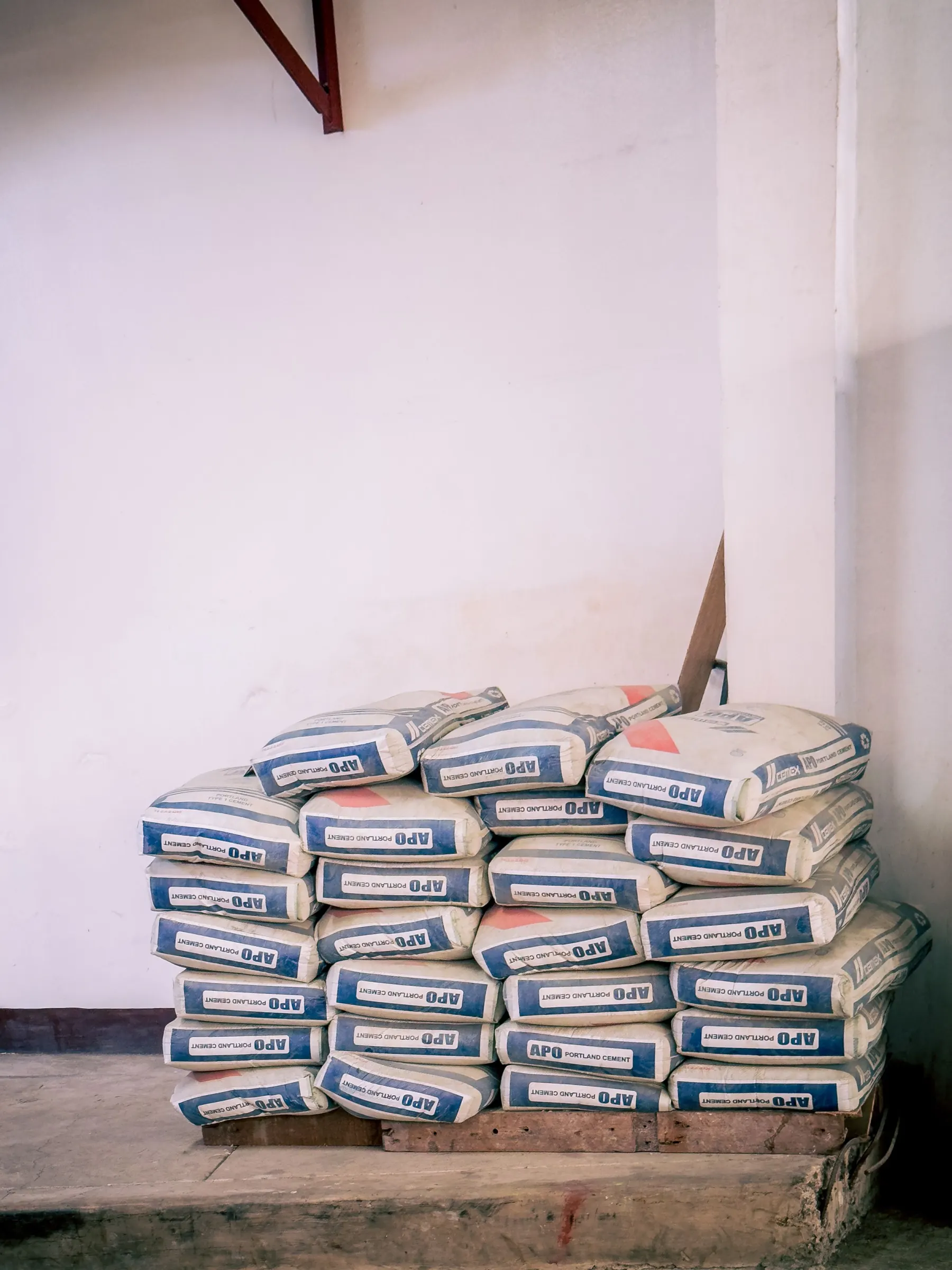
StruconIQ is a site material tracking system that starts with the quantities you priced. Each project has a material plan listing the planned quantity for every material line, from cement and ballast to steel and roofing sheets. Against each line you see what has been requisitioned, ordered on an LPO, delivered and accepted, and the balance still left to requisition.
-
 Requisitions
Material requisitions
StruconIQ is a material requisition system for construction sites. A supervisor raises a requisition for one line on the project's material plan, the office approves it, rejects it or asks for an amendment, and the request moves on to an LPO, delivery, verification and payment. At every step you know who asked, who approved and what it will cost.
-
 Procurement
LPOs & procurement
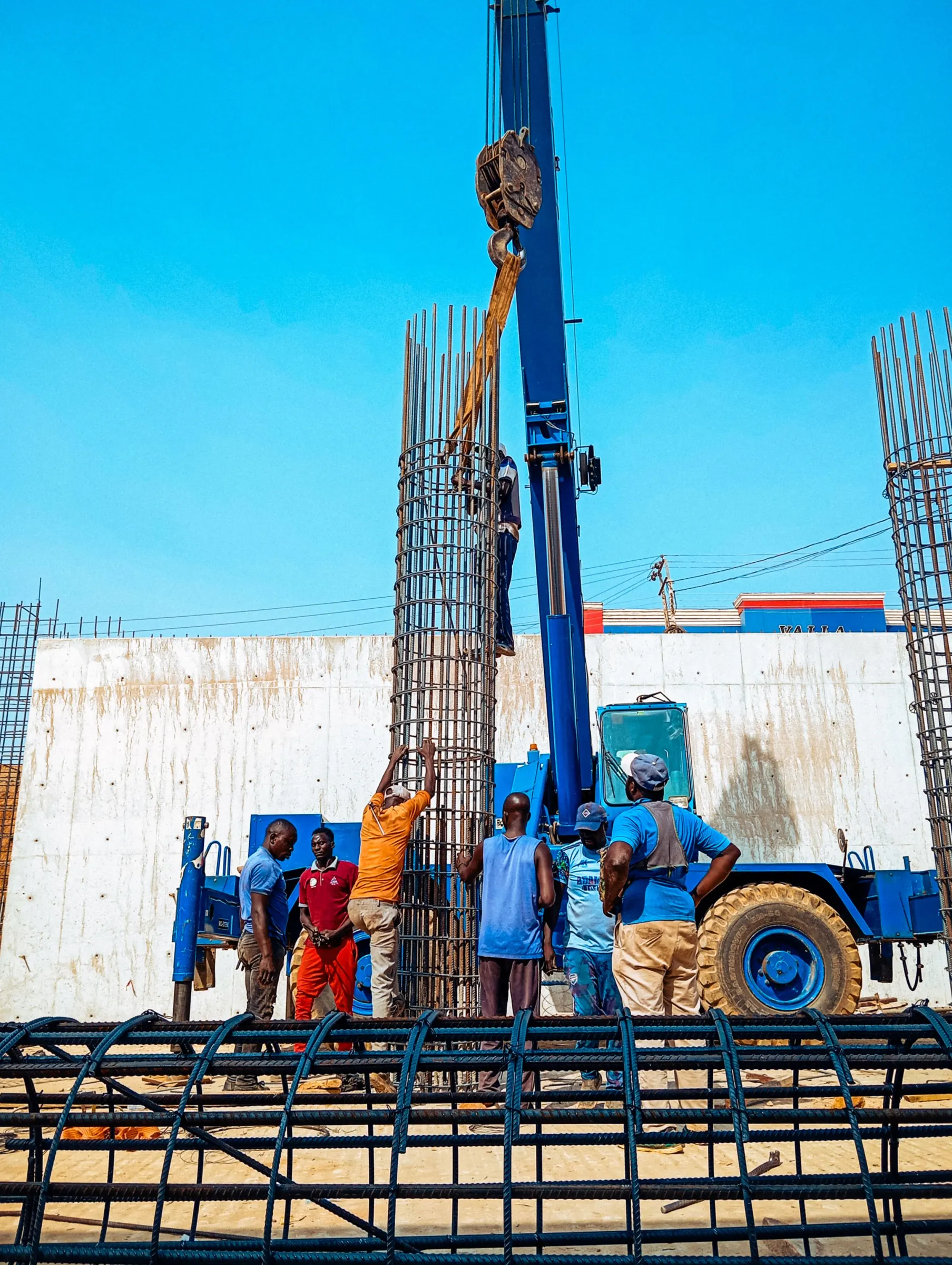
StruconIQ is construction procurement software for Kenya that turns an approved requisition into a Local Purchase Order for a registered supplier, produced as a printable PDF on your own letterhead. There is one LPO per requisition, with the material, quantity and supplier taken from the approved request, so the supplier is asked for exactly what the office approved.
-
 Deliveries
Site deliveries
StruconIQ records construction site deliveries against the requisition they belong to. The site logs each receipt with the supplier's delivery note attached, as a PDF or a photo, plus extra photos taken on the phone camera. Partial deliveries, extra quantity and disputes each have their own step, so you only pay for material that actually arrived and was accepted.
-
 Suppliers
 & payments
StruconIQ handles construction supplier payments from a single register. Supplier invoices are raised only from verified deliveries, billing the accepted quantity, plus invoices for other project costs such as equipment hire and transport. Record full or partial payments by bank transfer, M-Pesa, cheque or cash, and see every balance, overdue invoice and ageing bucket at a glance.
-
 Billing
Client billing
StruconIQ handles construction quotations and invoicing for your clients in one place. Prepare a quotation with line items, discount % and tax % per line, keep every revised version, and convert the accepted quotation into an invoice. Record client payments with a receipt, and email quotations, invoices, receipts and statements as PDFs straight from the app.
-
 Attendance
Site attendance
StruconIQ gives every site a simple site attendance system. Each morning the supervisor takes roll-call on their phone, marking each casual present, half day or absent, and finding workers quickly by casual number. Day rates come from the worker's record, paid days are locked, and every day feeds straight into the weekly casual payroll.
-
 Labour
Casual labour payroll
StruconIQ runs casual labour payroll for Kenya straight from site attendance. Each week it adds up the days every casual worked, including half days, at their day rate, and shows the amount due, the amount paid and the balance. Record each payment with its method, M-Pesa by default, and the transaction reference, so every shilling paid to a worker is accounted for.
-
 Payroll
Staff payroll & contracts
StruconIQ runs construction staff payroll alongside your casual labour. Keep a register of permanent and contract employees, run monthly payroll periods from draft to finalised to paid, and download payslips as PDFs. Recurring deductions such as HELB and SACCO, salary advances repaid in instalments, contract payments and leave requests all sit with the employee record.
-
 Reports
Budget vs actual reports
StruconIQ gives you budget vs actual construction reports built from what really happened on site. Because requisitions, deliveries, supplier invoices, payments and client invoices are all recorded against the project, the reports show budget, spend, variance, revenue, gross profit and margin % without anyone building a spreadsheet. Download any report as a PDF.
-
 Control
Dashboard & permissions
The StruconIQ construction management dashboard shows the whole business on one screen: total sites, active projects and how many are over budget, total value, paid and outstanding, and average completion. Behind it, built-in roles and a permission matrix decide who can see and approve what, from the owner to the project clerk, with overrides for individual users.
From plan to payment
Every material follows the same trail
Each step is checked against the one before it, so nothing is ordered, received or paid twice.
-
Plan
Set planned quantities per project. Requisitions can never go over the plan.
Material tracking -
Requisition
The site requests from the plan, the office approves, and an LPO goes to the supplier.
Requisitions -
Deliver
Receive against the requisition with the delivery note and photos. Partial loads are fine.
Deliveries -
Pay
Invoice only what was verified on site, then record each payment against the balance.
Supplier payments
On every plan
Works the way Kenyan sites work
-
Phone, tablet or desktop
Runs in the web browser on site and in the office. Nothing to install.
-
Roles and approvals
Supervisors request, the office approves, and each user sees only what their role allows.
-
Clients, sites and projects
Every cost sits under a project, every project under a site and a client.
-
PDFs with your logo
LPOs, quotations, invoices, receipts, statements and reports, ready to send.
How it works
Go live in 3 days
We do the setup with you, so your next requisition and your next roll-call already run on StruconIQ.
-
Day 1
Demo & setup
We show StruconIQ with a project like yours, then set up your clients, sites, projects, budgets and user logins.
-
Day 2
Suppliers, materials & workers
Send us your lists in any format. We load your suppliers, material plans, staff and casual workers for you.
-
Day 3
First requisition & roll-call
We raise your first requisition and take your first site roll-call with you, then train your supervisors, QS and accounts.
-
After
Ongoing support
Phone and WhatsApp support when you need it, and more training when your team or your sites change.
Free demo
See every feature on a project like yours
A short walkthrough of a project budget, a requisition, a delivery and a casual roll-call, on a call or at your office. Book online, call or WhatsApp us and we will set a time that suits you.