
Projects
A construction project management system for Kenya, organised around your clients and sites
StruconIQ is a construction project management system for Kenya that organises work the way contractors do: clients, the sites they own and the projects on each site. Every project carries its budget, start and end dates, completion % and status, with supervisors assigned, so you can see what is running, what is stuck and what is over budget without driving to site.
Available on Starter, Growth and Enterprise · see pricing

The problem
What goes wrong without it
Many Kenyan contractors run several sites from WhatsApp groups, notebooks and one spreadsheet on the owner's laptop. Nobody can say quickly how far a project has gone, who is in charge of it or whether it has already passed its budget. By the time an overspend shows up in the bank statement, the money has gone.
How StruconIQ handles it
Client, site, project
Work in StruconIQ follows a simple chain. A client can be an individual, a company or an institution. Each client can have several sites, and each site can hold several projects: a perimeter wall, the main block and the external works on one plot, for example. Requisitions, deliveries, supplier invoices, labour and reports all hang off the project, so every shilling lands in the right place.
Budgets, dates and status
Give each project a budget, a start date and an end date. Its status shows where it stands: planned, active, on hold, completed or cancelled. Each site has one site supervisor, and a project can have several supervisors, so responsibility is clear when a question comes up about a delivery or a roll-call.
Completion % that is approved, not guessed
Progress on many sites is whatever the last person to speak said it was. In StruconIQ, a change to completion % is a request. Someone with approval rights approves it, rejects it, or asks for clarification before it counts. The figure on the dashboard is one the office has agreed with.
See over budget early
Every submitted requisition that has not been rejected counts as committed spend. When committed spend on a project goes above its budget, the project is flagged over budget in red on the Projects page and on the dashboard. You see it while there is still time to act, not after the materials have been delivered and paid for. The flag is on screen: it is not sent as an email or SMS.
Know whether the job made money
The project costing report sets budget against actual cost and shows the variance, then brings in revenue from your client invoices to give gross profit and margin %. See budget vs actual reports for the full set.
Connected to the rest of the site
Each project has its own material plan, and every material requisition is raised against it, so the project always shows what has been asked for, ordered and delivered. Labour attendance is recorded per site, so the cost of people and the cost of materials sit side by side.
Who uses it
Owners use it to see every job at a glance; project managers and QS staff use it to keep each project inside its budget. It fits building contractors running several jobs at once, real estate developers with phased projects on one site, and schools and institutions putting up new classrooms or hostels.
Key capabilities
What you can do with Sites & projects
-
Client, site and project
Several sites per client and several projects per site.
-
Budget, dates and status
Planned, active, on hold, completed or cancelled.
-
Supervisors assigned
One site supervisor per site, several per project.
-
Approved completion %
Changes are approved, rejected or sent back for clarification.
-
Over budget flag
Shown in red when committed spend passes the budget.
-
Project costing
Budget, actual cost, revenue, gross profit and margin %.
Related features
Works well with
-
 Planning
Material planning
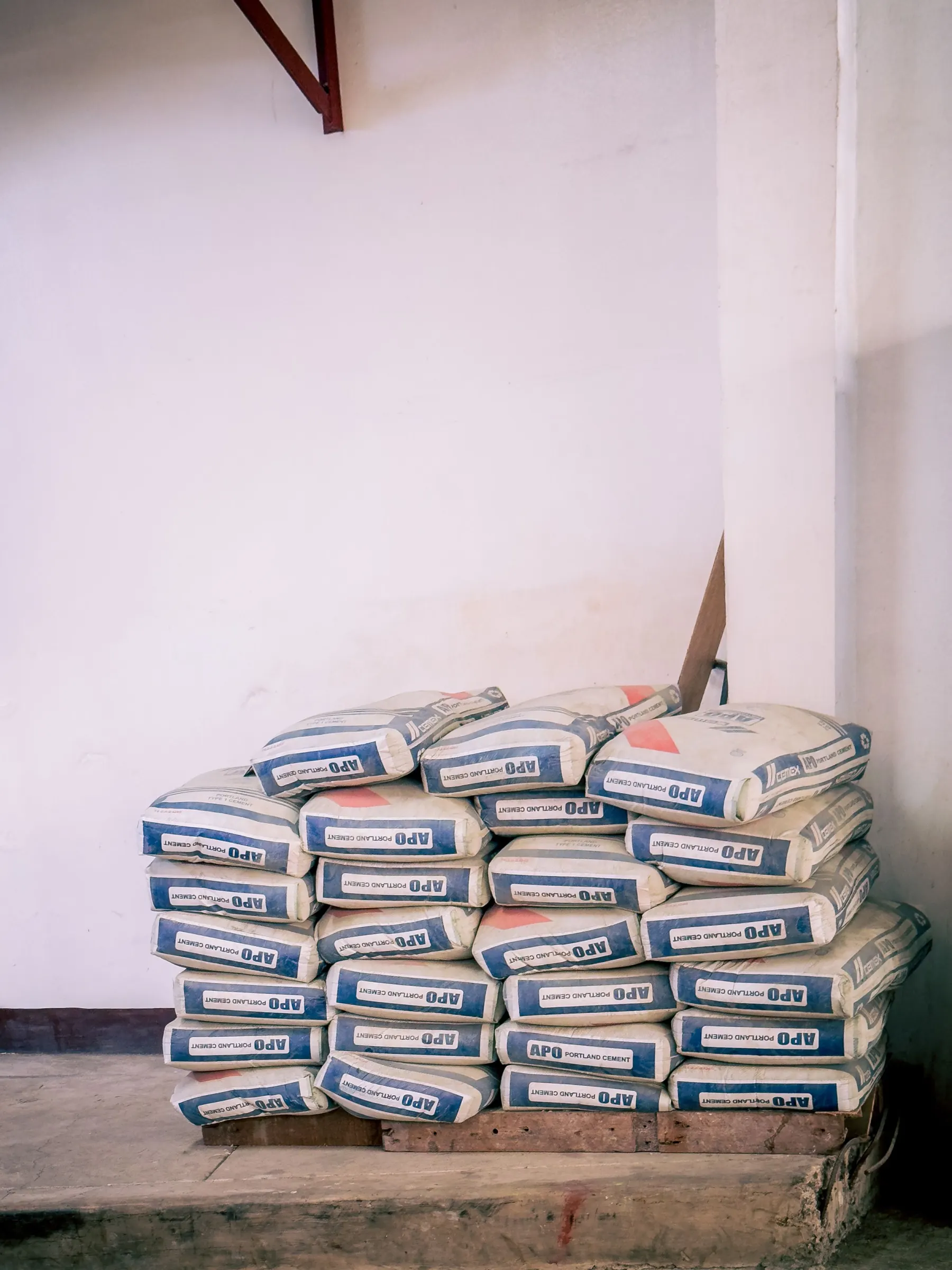
StruconIQ is a site material tracking system that starts with the quantities you priced. Each project has a material plan listing the planned quantity for every material line, from cement and ballast to steel and roofing sheets. Against each line you see what has been requisitioned, ordered on an LPO, delivered and accepted, and the balance still left to requisition.
-
 Reports
Budget vs actual reports
StruconIQ gives you budget vs actual construction reports built from what really happened on site. Because requisitions, deliveries, supplier invoices, payments and client invoices are all recorded against the project, the reports show budget, spend, variance, revenue, gross profit and margin % without anyone building a spreadsheet. Download any report as a PDF.
-
 Control
Dashboard & permissions
The StruconIQ construction management dashboard shows the whole business on one screen: total sites, active projects and how many are over budget, total value, paid and outstanding, and average completion. Behind it, built-in roles and a permission matrix decide who can see and approve what, from the owner to the project clerk, with overrides for individual users.
Who uses sites & projects
Free demo
See sites & projects on a site like yours
A short walkthrough of a project budget, a requisition, a delivery and a casual roll-call, on a call or at your office. Book online, call or WhatsApp us and we will set a time that suits you.