
Suppliers
Construction supplier payments matched to what was delivered
StruconIQ handles construction supplier payments from a single register. Supplier invoices are raised only from verified deliveries, billing the accepted quantity, plus invoices for other project costs such as equipment hire and transport. Record full or partial payments by bank transfer, M-Pesa, cheque or cash, and see every balance, overdue invoice and ageing bucket at a glance.
Available on Starter, Growth and Enterprise · see pricing
The problem
What goes wrong without it
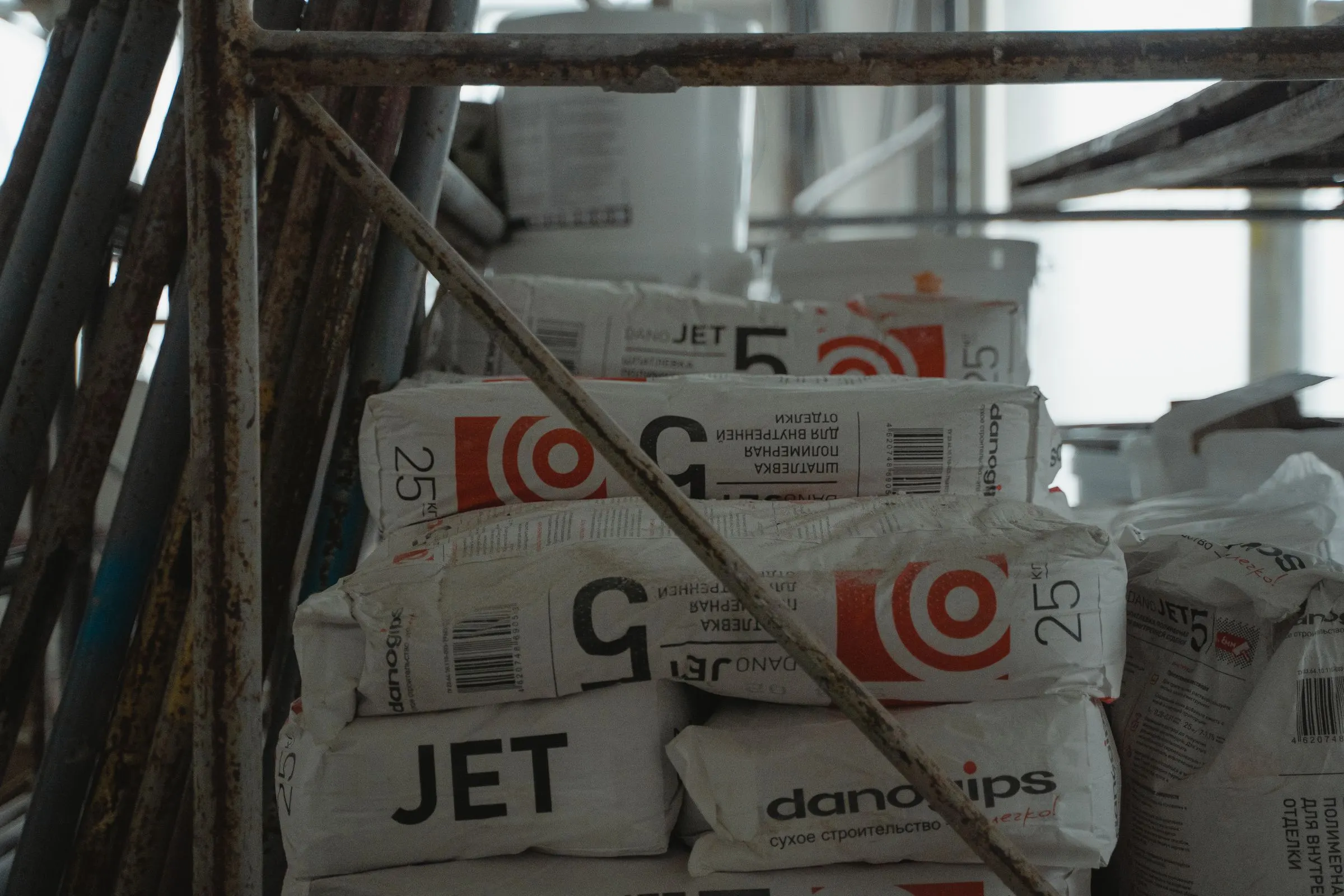
Many contractors pay suppliers from memory, or from whichever invoice is loudest. Invoices arrive for material that was short-delivered, the same invoice gets paid twice, and nobody knows how much is owed to the quarry or the hardware until the supplier stops delivering. The accounts are then rebuilt from bank statements at the end of the year.
How StruconIQ handles it
One register for every supplier
Each supplier has a record with their contact person, phone, email, M-Pesa number, bank details and a category. Our team loads your existing suppliers during setup. Every invoice, payment and adjustment for that supplier then sits on their record, so you can see the whole relationship on one screen.
Invoices only for what arrived
A supplier invoice for materials is raised from a verified site delivery, and it bills the accepted, payable quantity, including any surplus the office approved as payable. Material that was disputed, rejected or approved at no charge cannot end up on the bill. For costs that do not come through a delivery, such as equipment hire or transport, you raise a project expense invoice against the right project, so every cost still lands on a job.
Record payments as you make them
Record full or partial payments against an invoice, with the method (bank transfer, M-Pesa, cheque or cash) and the reference. StruconIQ records the payment you made: it does not send money itself. Users get an in-app notification and an email when a payment is made, so the site and the office stay in step.
Know what you owe, and how old it is
- Outstanding balance for each supplier and in total
- Overdue invoices: anything unpaid for more than 30 days
- Ageing in 0 to 30, 31 to 60, 61 to 90 and 90+ day buckets
With ageing in front of you, you can pay the oldest balances first and keep key suppliers willing to deliver on credit.
Debit and credit notes
When a supplier owes you for returned material, or a price needs correcting, record a debit or credit note against the supplier. The balance and the ageing update straight away, so the figure you agree with the supplier is the figure on screen.
Supplier statements
Produce a statement for any supplier as a PDF, or email it from the app. When a supplier sends their own statement, compare the two and settle differences with the delivery notes and photos already on file.
Part of your construction accounts
Supplier payments feed the payment report and the financial report, which show spend paid and outstanding by site and by material category. See budget vs actual reports, and LPOs and procurement for where each order starts. Accountants at building contractors and real estate developers use it to keep supplier balances under control across many sites.
Key capabilities
What you can do with Suppliers & payments
-
Supplier register
Contacts, M-Pesa, bank details and category.
-
Invoices from verified deliveries
Billing only the accepted, payable quantity.
-
Project expense invoices
Equipment hire, transport and other costs.
-
Partial payments recorded
Bank transfer, M-Pesa, cheque or cash, with a reference.
-
Overdue and ageing
0 to 30, 31 to 60, 61 to 90 and 90+ days.
-
Debit and credit notes
Adjust a supplier balance with a clear record.
-
Statements by PDF or email
Send a supplier statement from the app.
Related features
Works well with
-
 Deliveries
Site deliveries
StruconIQ records construction site deliveries against the requisition they belong to. The site logs each receipt with the supplier's delivery note attached, as a PDF or a photo, plus extra photos taken on the phone camera. Partial deliveries, extra quantity and disputes each have their own step, so you only pay for material that actually arrived and was accepted.
-
 Procurement
LPOs & procurement
StruconIQ is construction procurement software for Kenya that turns an approved requisition into a Local Purchase Order for a registered supplier, produced as a printable PDF on your own letterhead. There is one LPO per requisition, with the material, quantity and supplier taken from the approved request, so the supplier is asked for exactly what the office approved.
-
 Reports
Budget vs actual reports
StruconIQ gives you budget vs actual construction reports built from what really happened on site. Because requisitions, deliveries, supplier invoices, payments and client invoices are all recorded against the project, the reports show budget, spend, variance, revenue, gross profit and margin % without anyone building a spreadsheet. Download any report as a PDF.
Who uses suppliers & payments
Free demo
See suppliers & payments on a site like yours
A short walkthrough of a project budget, a requisition, a delivery and a casual roll-call, on a call or at your office. Book online, call or WhatsApp us and we will set a time that suits you.