
Built for Project management & QS firms
Project management software for QS firms and project managers
StruconIQ is project management software for QS firms, project managers and consultants in Kenya who run budgets and cost control on behalf of their clients. Set up each client with their sites and projects, hold the budget and material plan, approve requisitions before money is committed, and produce progress and cost reports for every client from one account.

Cost control on someone else's money
When you manage a project for a client, you answer for the budget without holding the purse or standing on site every day. Requests for materials arrive by phone, variations are agreed in a meeting and recorded later, and the monthly cost report is rebuilt from the contractor's figures. StruconIQ gives the consultant a place where every commitment passes through an approval you control.
Every client, site and project in one account
The structure starts with the client, then each client's sites, then the projects on each site. A firm managing work for a church, a developer and a school keeps them apart while seeing them all on one dashboard: active projects, the number over budget, total value, paid and outstanding. See sites and projects.
Approval before money is committed
The material plan sets the planned quantity for each line. Site requisitions cannot exceed it, and a change to the plan goes through an adjustment request that you approve, reject or send back for clarification. Each requisition is approved, rejected or returned for amendment before an LPO is issued. Completion percentages follow the same request and approval step, so reported progress is agreed. See material planning.
Reports your clients can read
Project progress, project costing, the financial report and the payment report are produced as PDFs. Costing shows budget, actual cost, variance, revenue, gross profit and margin; the financial report breaks spend paid and outstanding down by site and material category. See budget vs actual reports.
Variance you can explain
Because each figure comes from a requisition, a delivery receipt or a supplier invoice, you can trace a variance to the line and the delivery behind it rather than to a cell in a spreadsheet.
Roles for a consultancy team
Give a partner the owner role, a cost engineer the project accountant role and a clerk of works the site supervisor role. The permission matrix sets what each role can do, and per-user overrides handle the exceptions. See dashboard and permissions.
Features
What project management & qs firms use most
-
 Projects
Sites & projects
StruconIQ is a construction project management system for Kenya that organises work the way contractors do: clients, the sites they own and the projects on each site. Every project carries its budget, start and end dates, completion % and status, with supervisors assigned, so you can see what is running, what is stuck and what is over budget without driving to site.
-
 Planning
Material planning
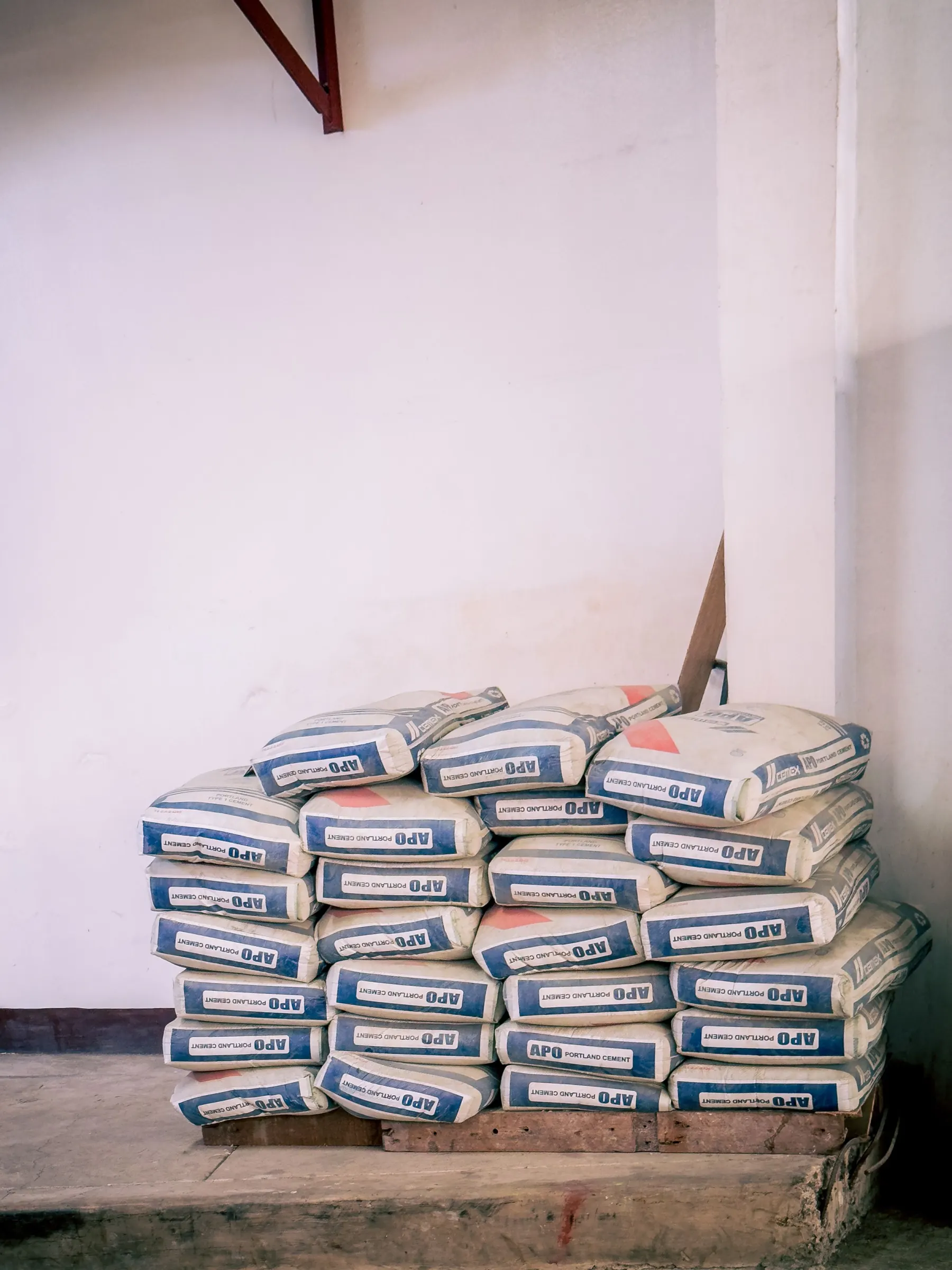
StruconIQ is a site material tracking system that starts with the quantities you priced. Each project has a material plan listing the planned quantity for every material line, from cement and ballast to steel and roofing sheets. Against each line you see what has been requisitioned, ordered on an LPO, delivered and accepted, and the balance still left to requisition.
-
 Requisitions
Material requisitions
StruconIQ is a material requisition system for construction sites. A supervisor raises a requisition for one line on the project's material plan, the office approves it, rejects it or asks for an amendment, and the request moves on to an LPO, delivery, verification and payment. At every step you know who asked, who approved and what it will cost.
-
 Reports
Budget vs actual reports
StruconIQ gives you budget vs actual construction reports built from what really happened on site. Because requisitions, deliveries, supplier invoices, payments and client invoices are all recorded against the project, the reports show budget, spend, variance, revenue, gross profit and margin % without anyone building a spreadsheet. Download any report as a PDF.
-
 Control
Dashboard & permissions
The StruconIQ construction management dashboard shows the whole business on one screen: total sites, active projects and how many are over budget, total value, paid and outstanding, and average completion. Behind it, built-in roles and a permission matrix decide who can see and approve what, from the owner to the project clerk, with overrides for individual users.
Questions
Questions from project management & qs firms
Can our clients log in to see their projects?
No. There is no client portal. Your team produces the PDF reports and sends them to each client, which keeps you in control of what is shared.
Can we export reports to Excel for our own analysis?
No. Reports come out as PDFs only. StruconIQ does not replace your estimating or BQ tools: you enter the budget and material plan from your estimate, and the app tracks the job against it.
Can the contractor's supervisor raise requisitions while we approve them?
Yes. Give the supervisor a user with the site supervisor role to raise requisitions and log deliveries, and keep the approval permission with your own staff.
Free demo
See how a consultancy runs client projects in StruconIQ
Book a demo and we will set up one client project with budget, plan and approvals, so you can judge the reports yourself.